
Stocker is a JetBrains IDE extension dashboard for investors to track real-time stock market conditions.





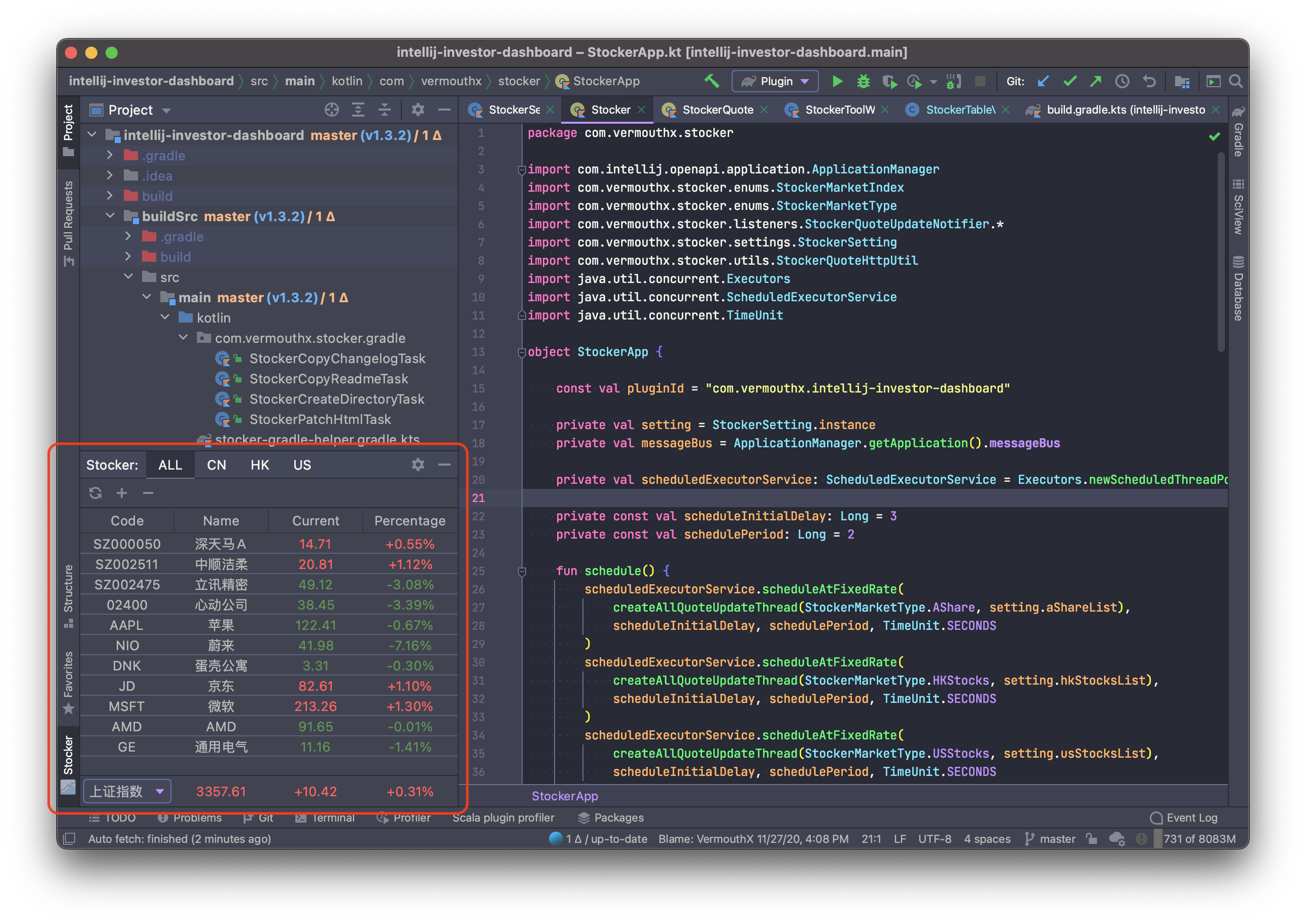
- 📊 Real-time Market Data - Track stocks and cryptocurrencies with live updates
- 🎨 Customizable Display - Choose from multiple color patterns and customize visible table columns
- 🔤 Pinyin Support - Display stock names in Pinyin for easier reading
- 📈 Sortable Columns - Three-state sorting (ascending, descending, unsorted) on any column
- 🪙 Cryptocurrency Support - Monitor crypto assets alongside traditional securities
- 🎯 Custom Stock Names - Set custom names for your favorite stocks
- 🔍 Smart Search - Quickly find and add stocks with intelligent search dialog
- 📋 Batch Operations - Manage multiple stocks at once with batch delete and reorder
- 💾 Persistent Settings - Your preferences and watchlist are saved across IDE sessions
- A-Shares - Shanghai Stock Exchange (SSE) & Shenzhen Stock Exchange (SZSE)
- Hong Kong Stocks - Hong Kong Stock Exchange (HKEX)
- US Stocks - NASDAQ, NYSE, and other US exchanges
- Cryptocurrencies - Major crypto assets
-
Install the Plugin
- Open
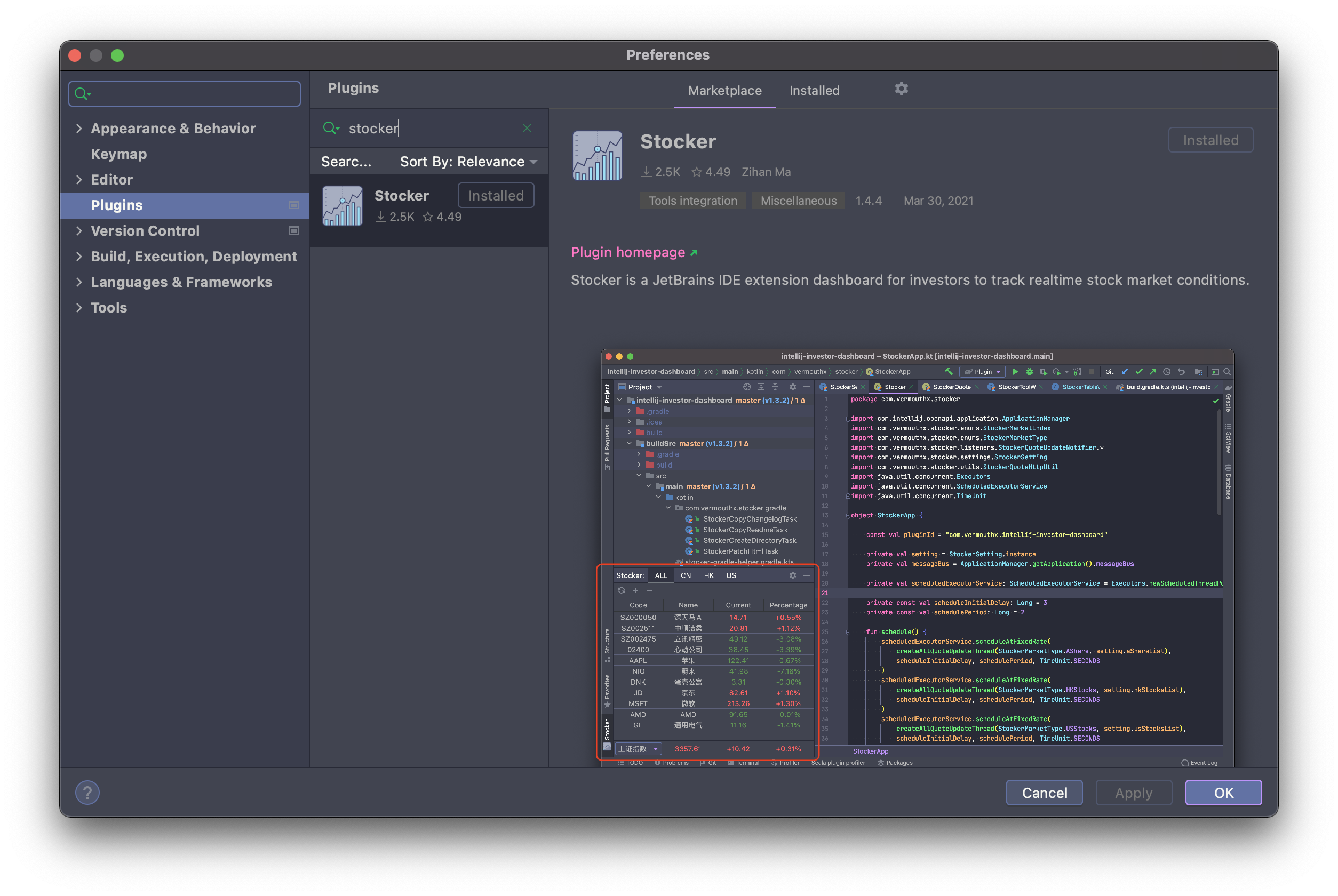
Settings/Preferences→Plugins→Marketplace - Search for Stocker and click
Install
- Open
-
Open Stocker Tool Window
- Find the Stocker tool window in the left or right sidebar
- Click to open the dashboard
-
Add Your Stocks
- Click the Add Favorite Stocks button (🔍 search icon)
- Search for stocks by name or code
- Select and add to your watchlist
-
Customize Settings
- Go to
Settings/Preferences→Tools→Stocker - Configure color patterns, display columns, pinyin mode, and more
- Go to
-
Start Tracking
- Watch your investments update in real-time
- Sort, filter, and manage your watchlist as needed
- IDE Version: IntelliJ IDEA 2024.1+ (and other JetBrains IDEs)
- Platforms: Windows, macOS, Linux
- Tutorial: Getting Started Guide
- Changelog: View Release Notes
- Issues: Report Bugs or Request Features
If you like this plugin, you can buy me a cup of coffee. Thank you!